Critical Work Lives in Spreadsheets
Jobs, orders or customer information is maintained across spreadsheets, documents, inboxes and paper forms.
Isoft helps operational businesses improve poorly fitting systems, connect disconnected information and replace costly manual work with practical software built around jobs, orders, people and workflows.
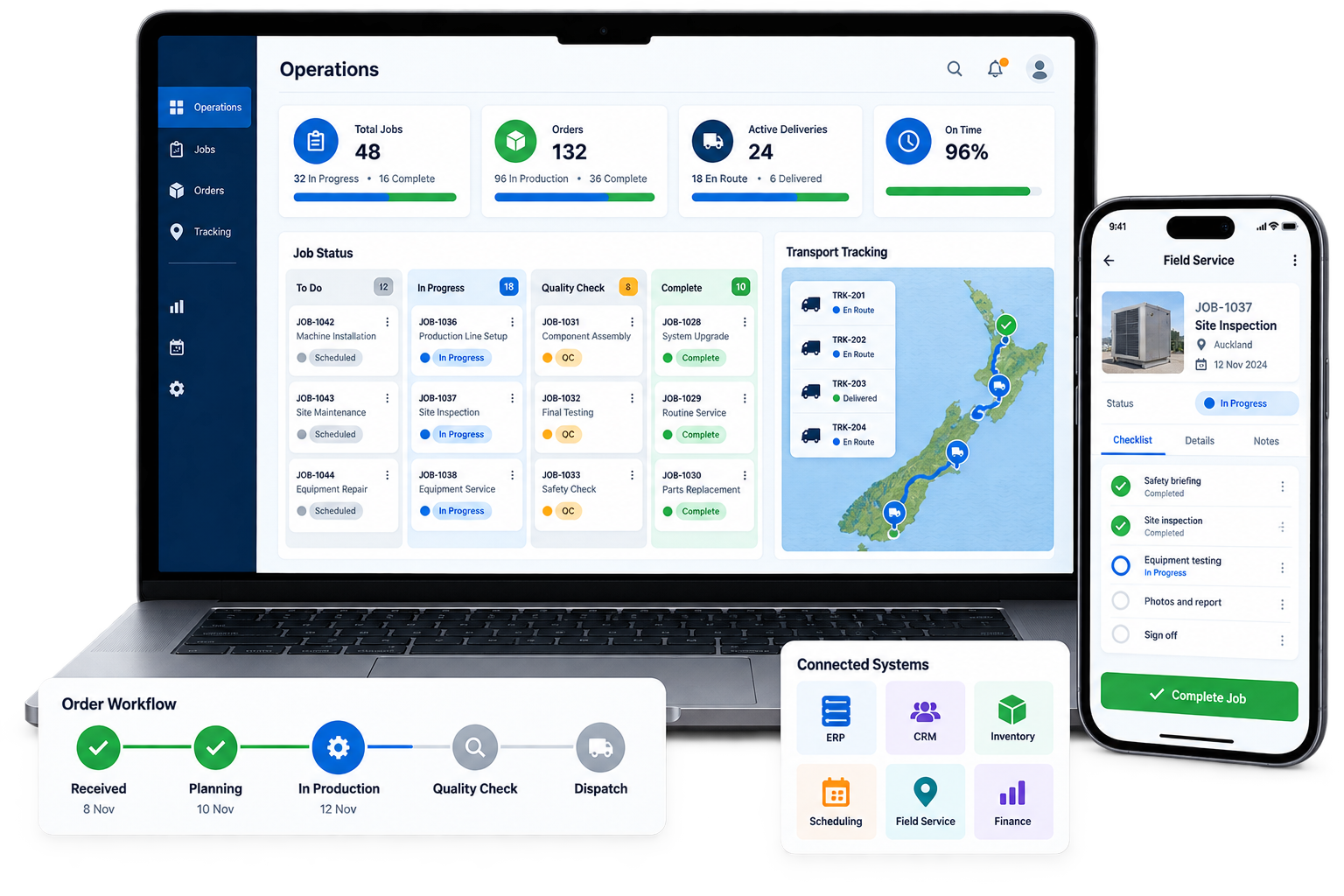
New software is not automatically the answer. Purpose-built operational software becomes valuable when important work still depends on manual coordination that existing platforms cannot remove.
Jobs, orders or customer information is maintained across spreadsheets, documents, inboxes and paper forms.
Staff have created extra steps because the current software does not support how the operation needs to run.
The same customer, job, order, item or invoice information is copied between disconnected systems.
Status, exceptions, workload, delays and required actions cannot be seen without chasing people for updates.
More work requires more coordination and data entry instead of flowing through a controlled process.
Missing job, delivery, charge or approval information slows invoicing and creates preventable leakage.
The Operational Systems Review determines the smallest practical intervention that can remove the bottleneck and create measurable value.
Configure or refine the systems and processes that are already capable of doing the job.
Integrate systems so trusted information moves without repeated entry and manual hand-offs.
Remove repetitive capture, checks, notifications, document handling and routine decisions.
Create focused operational software only where existing products cannot support the required workflow.
Each solution is shaped around a defined workflow and business outcome—not a list of fashionable technologies.
Coordinate work from request or order through planning, delivery, completion and invoicing.
Give field, warehouse and transport teams practical access to jobs, forms, evidence and updates.
Show current status, exceptions, workload and actions without manually assembling reports.
Connect controlled documents, revisions, approvals and supporting information to operational work.
Provide secure access to requests, orders, status, documents, approvals and completed records.
Bridge ERP, CRM, TMS, accounting, inventory and specialist platforms around one operational process.
A technically impressive system creates no value if teams avoid it. We design around real users, real operating conditions and the minimum information required to keep work moving.
These are not generic software claims. They come from defined workflows where the operational result could be measured.
AI-assisted camera capture and workflow automation removed repetitive data entry, improved processing consistency and eliminated the equivalent manual workload of three full-time roles.
View Transport ResultA mobile survey, AI-assisted inventory capture and automated volume calculation gave the estimator structured information much sooner and reduced the need for onsite visits.
View Moving ResultMap the workflow, systems, users, delays and current cost.
Select the highest-value, achievable operational improvement.
Define the smallest usable workflow and integration approach.
Deliver in stages and validate with real users and scenarios.
Confirm adoption and results before expanding further.
We begin with the workflow and required outcome. If an existing platform can solve the problem through sensible configuration, that is usually preferable. Integration is appropriate when capable systems are disconnected. Custom software is justified when an important operational gap remains.
Not necessarily. Operational software often sits around established systems of record, giving users a better workflow while synchronising the information those core platforms need.
Yes. Starting with one costly, contained bottleneck reduces risk, gives users something practical to test and creates evidence before further investment.
Often yes. Depending on the platform, integration may use APIs, webhooks, database interfaces, EDI or controlled file exchange. A technical review confirms the safest practical option.
AI can assist with image or document capture, extraction, classification, checking and summarisation. We use it only where it creates a measurable advantage; conventional automation is preferred when it is simpler and more reliable.
Support and continuous improvement can include monitoring, issue resolution, user feedback, integration maintenance, workflow refinements and staged enhancements.
Book an Operational Systems Review to determine whether the right next step is to improve, connect, automate or build.