Drawing Registration
A structured process for capturing drawing details and connecting each record to the relevant operational context.
Isoft helped Exeloo replace a fragmented legacy drawing process with a controlled, web-based workflow connecting drawings, parts, revisions, approvals and the manufacturing information its teams depend on.
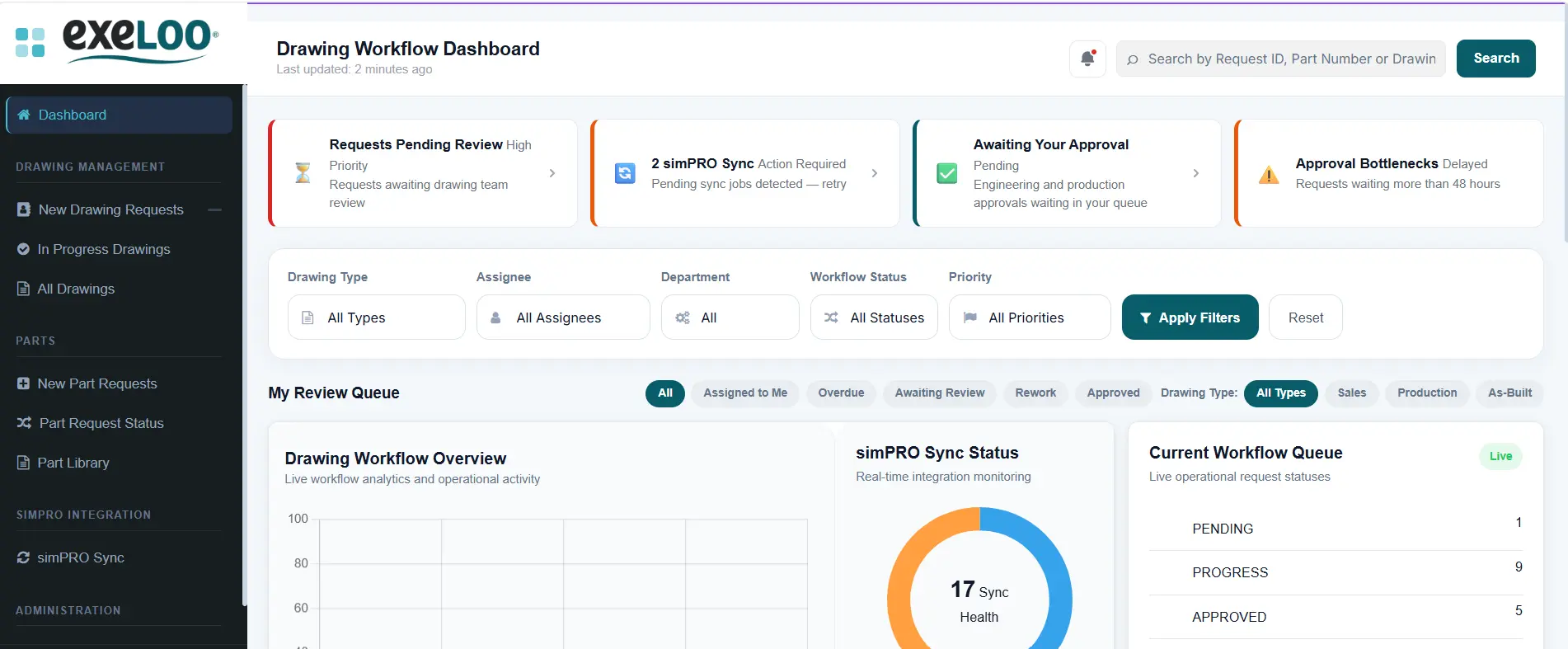
Exeloo's manufacturing teams rely on accurate drawings being connected to the correct parts and assemblies. The existing Drawing Manager used legacy database logic and separate file locations for current, pending and as-built drawings.
This created a modernisation challenge: preserve important drawing history while introducing clearer control, validation and visibility for future work.
The project was not simply about storing files online. The system needed to protect drawing integrity and make the relationship between drawings, parts, revisions and workflow status dependable.
Isoft designed and developed a web-based Drawing Manager that brings drawing information, status, validation and controlled file handling into one operational workflow.
A structured process for capturing drawing details and connecting each record to the relevant operational context.
Integration with simPRO helps verify the relevant part or assembly before a drawing proceeds through the workflow.
Drawing versions and status changes are managed more deliberately so teams can identify the current information.
Pending, current and as-built stages are represented through a controlled process rather than disconnected file locations.
Authorised users can locate drawing records and understand their operational status without reconstructing the history manually.
The modern application is hosted on Microsoft Azure to provide a maintainable foundation for ongoing support and improvement.
The platform gives authorised users one controlled entry point for drawing requests, approvals, revision management, workflow tracking and simPRO synchronisation.
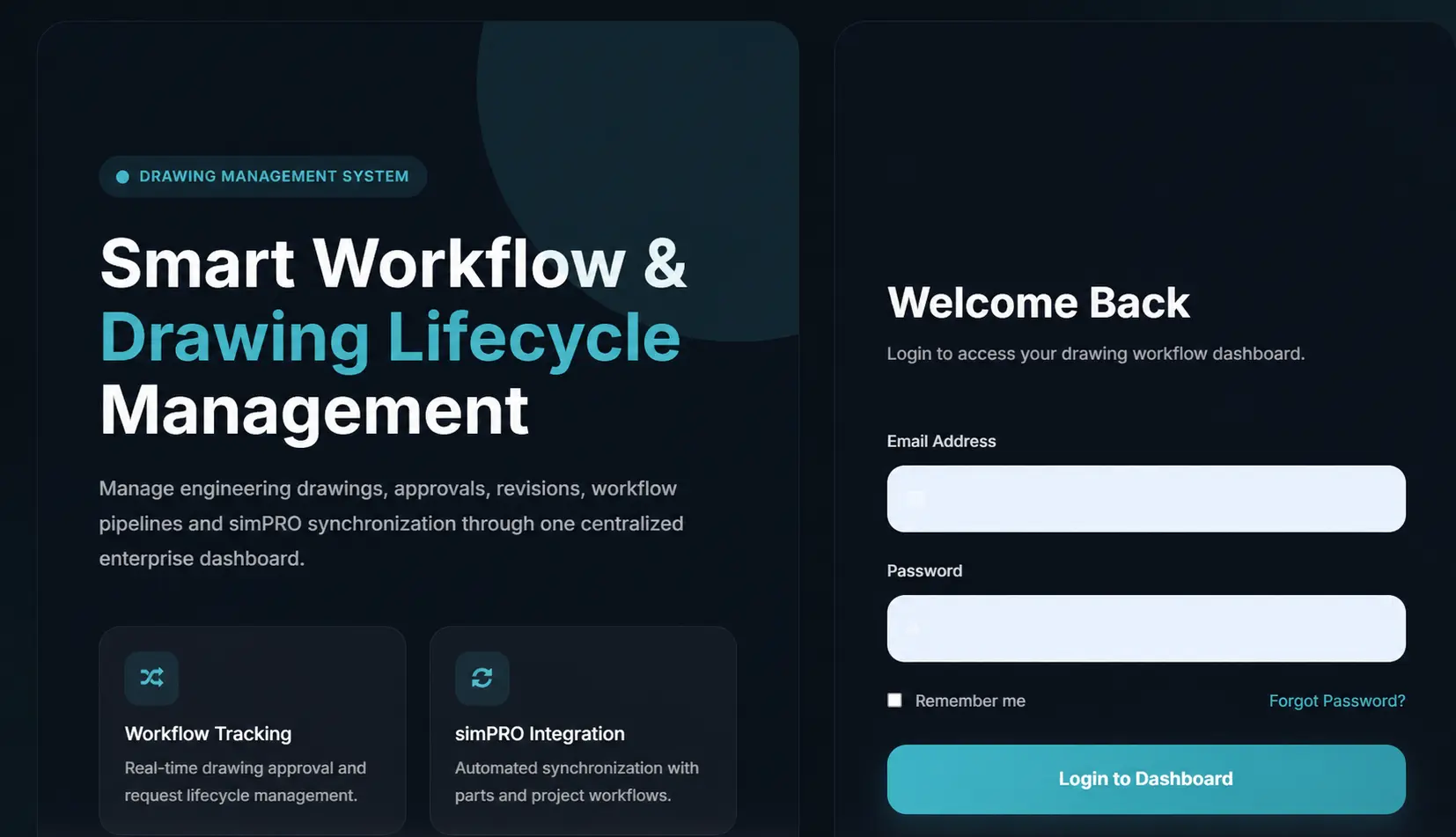
Create the drawing record with the required identifying and operational information.
Confirm the associated part or assembly against simPRO before continuing.
Move the drawing through the appropriate pending and approval workflow.
Make the approved current or as-built information available with clearer status and traceability.
Exeloo's existing environment contains a substantial history of manufacturing drawings and related records. The new application was designed so historical migration can be handled as a controlled workstream without requiring the business to abandon valuable information.
This staged approach separates the new operational workflow from the complexity of legacy-data migration, reducing implementation risk and allowing each area to be tested and reconciled properly.
The new Drawing Manager provides Exeloo with a modern workflow for managing drawing records, validating parts and controlling how information progresses from pending work to approved manufacturing use.
No unsupported financial or time-saving figure has been assigned to this result. Quantified outcomes should be added only after Exeloo confirms them.
The solution began with how drawings relate to parts, approvals and manufacturing activity.
simPRO validation was incorporated rather than recreating trusted part information in another silo.
The modern workflow and historical migration were treated as distinct, manageable areas of work.
Book an Operational Systems Review to identify where revisions, approvals, system gaps or manual hand-offs are creating operational risk.